Streamline Hotel Operations with Rapid Hotel System
Replace spreadsheets and paper with our all-in-one digital solution. Secure, compliant, and AI-supported.
Available on:
Core Modules
Everything your hotel needs in one powerful platform
Digital Logbook
Digitize your handover process with a complete, searchable log of all shift activities and critical information.
Learn moreContacts
Centralized address book for suppliers, emergency services, and key contacts accessible to all staff.
Learn moreProcedures
Store and manage SOPs, emergency protocols, and training materials in one organized location.
Learn moreSecurity Tours
Track security rounds with NFC checkpoint scanning, timestamp verification, and automated incident reporting.
Learn moreParcel Management
Track all parcels from arrival to pickup with photo documentation, supplier info, and automatic notifications.
Learn moreLost & Found
Catalog and track lost items with photos, making it easy to reunite guests with their belongings.
Learn moreFile Transfer
Share files externally using public links that expire automatically within 7 days or on demand.
Learn moreFile Library
Organize documents, manuals, and resources in a structured, searchable digital library.
Learn moreImage Library
Store and organize property photos, event images, and visual documentation with smart tagging.
Learn moreChat
Real-time direct messaging with text communication and push notifications for instant team coordination.
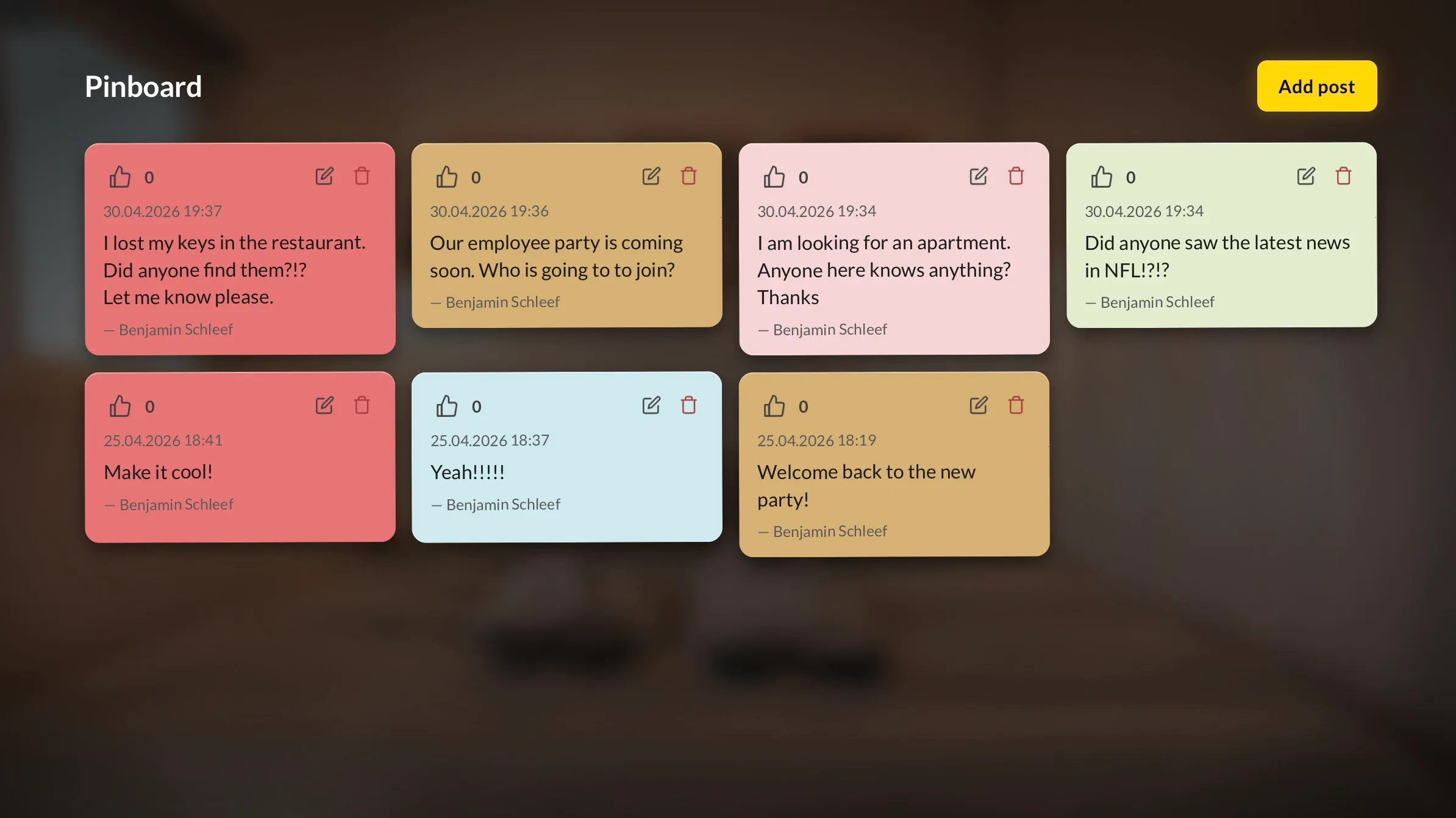
Learn morePinboard
Digital noticeboard for announcements, reminders, and important updates visible to all staff.
Learn moreHome & News
Personalized dashboard with news feed, quick actions, and real-time operational updates.
Learn moreUsers & Admin
Manage user accounts, roles, and permissions with granular access control settings.
Learn moreMulti-Language
Full localization support with automatic language detection and easy switching.
Learn moreContracts Management
Reminder system for contract renewals and terminations with automated alerts.
Learn moreEmployee Surveys
Anonymous employee surveys with AI-generated templates, multi-language auto-translate, and CSV export.
Learn moreRoom Inspections
Schedule room inspections with AI-generated checklists, photo documentation, and full tour history.
Learn moreRepairs
Maintenance ticket tracker with photo evidence, status workflow, assignment, due dates, and dashboards.
Learn moreTasks
Guest-service & housekeeping dispatch with quick-templates, two-tap creation, and shift-pressure analytics.
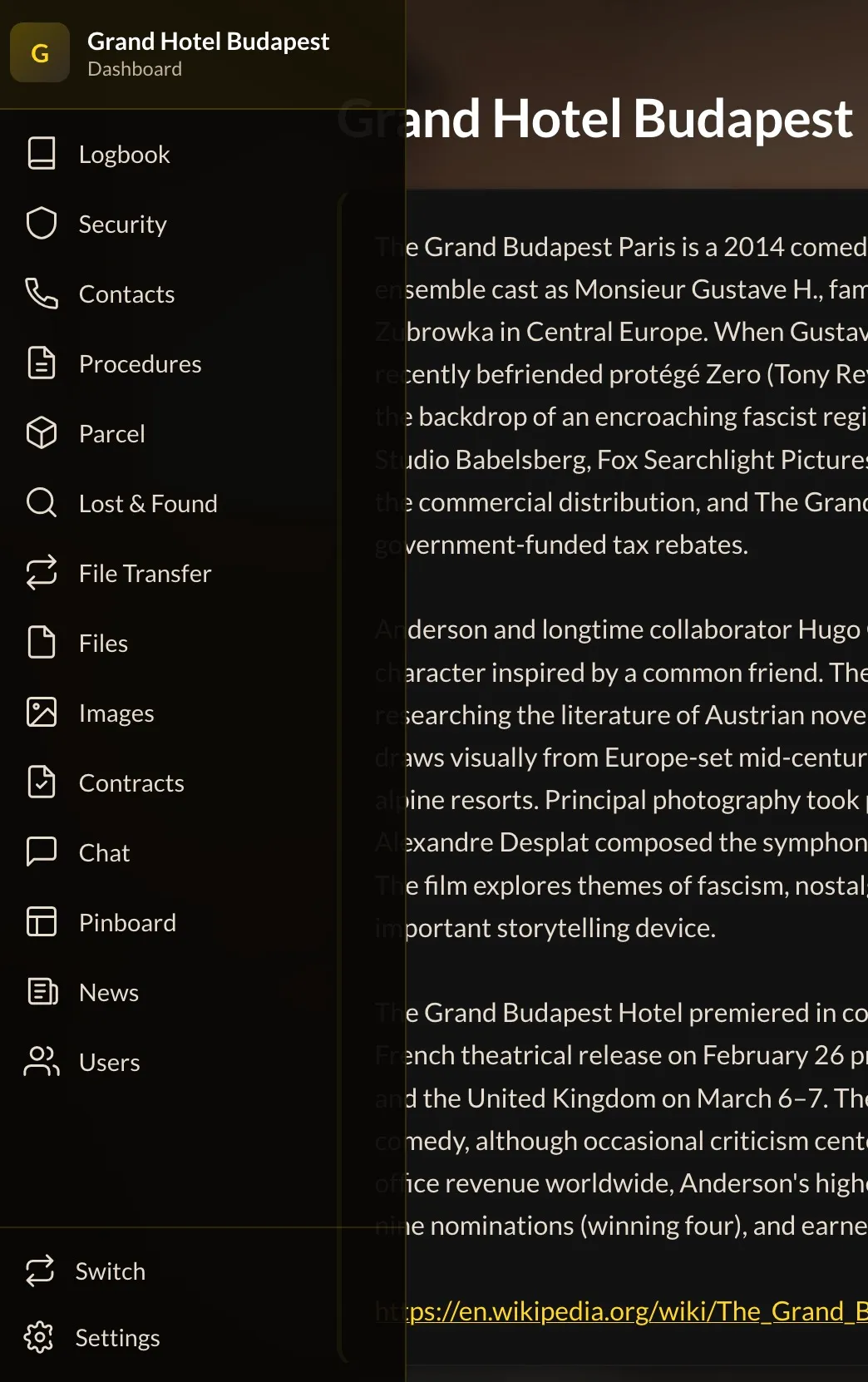
Learn moreSmart Navigation
Command palette (⌘K), collapsible side rail, mobile drawer, and instant search across every module.
Learn morePersonnel File
Complete employee records with self-service updates, HR-approved payroll changes, GDPR export, and a live HR dashboard.
Learn moreTwo-Factor Authentication
Passkeys, authenticator apps, eight recovery codes. Optional or required per hotel. No SMS. Four languages.
Learn moreShift Scheduling
Build next week's roster in minutes. AI fills the gaps, employees confirm their hours, payroll exports as one CSV.
Learn moreFuture Features
Exciting capabilities coming soon to enhance your hotel operations
Start Free, Scale As You Grow
No hidden fees. No credit card required. Get started today.
Starter
Perfect for small properties getting started with digital operations.
- Up to 5 users
- All core modules included
- Digital Logbook & Security Tours
- File & Image Library
- Chat & Pinboard
- Multi-language support
- Email support
Professional
For growing hotels that need unlimited team access.
- Unlimited users
- Everything in Starter
- Priority support
- Advanced analytics
- Custom integrations
- Dedicated account manager
- Access to future Premium features
Trusted by hotels worldwide
Use it like an app — no download required
Add the web app to your home screen for a full app experience on any mobile device.
app.rapidhotelsystem.comiPhone / iPad
- 1 Open Safari and go to app.rapidhotelsystem.com
- 2 Tap the Share icon at the bottom of the browser
- 3 Select "Add to Home Screen"
- 4 Tap "Add" — the app icon appears on your home screen
Safari only — Chrome on iOS does not support "Add to Home Screen" for PWAs.
Android
- 1 Open Chrome and go to app.rapidhotelsystem.com
- 2 Tap the three-dot menu at the top right
- 3 Select "Add to Home screen" or "Install app"
- 4 Tap "Add" — the app icon appears on your home screen
Works with Chrome, Edge or Samsung Internet. Wording may differ slightly by browser and Android version.
Frequently Asked Questions
Find answers to common questions about Rapid Hotel System